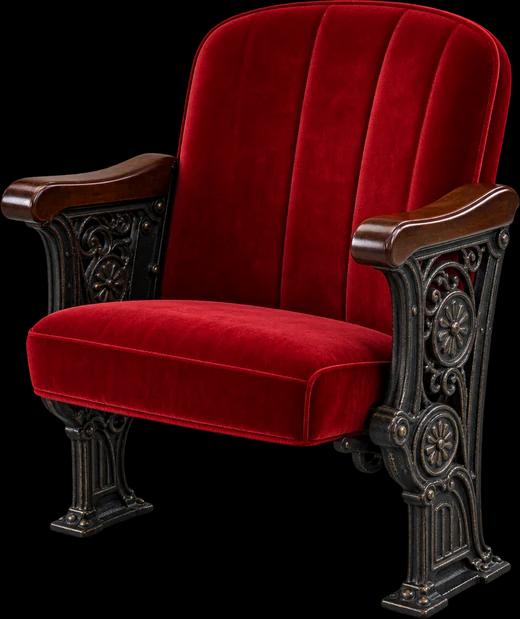
Seats
seats.stanf.org (aka "Seats") is seating software I developed for Gaieties, a yearly student-written musical now in its 100th year. I developed and built Seats to allow us to easily manage the thousands of students who come see the show each year in Stanford's Memorial Auditorium ("MemAud").
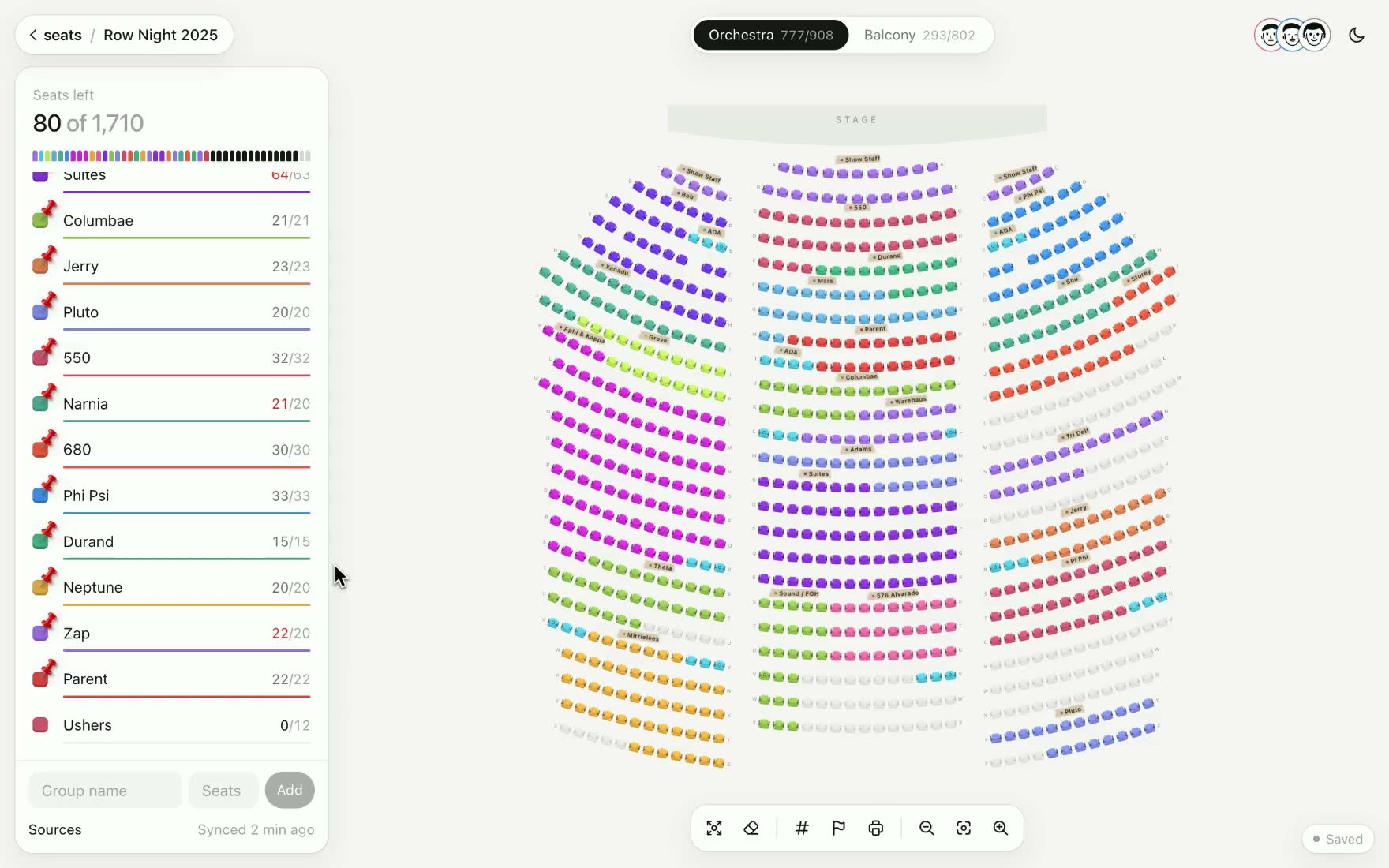
Seats is built to feel playful and intuitive, while simultaneously allowing users to be productive when managing large audiences. I often find that software is either too playful (and is therefore distracting) or too utilitarian (which scares users and feels out of place for an institution driven by the arts). The approach I took with Seats is meant to find a happy balance: using animations to present a cohesive experience while not getting in the way.
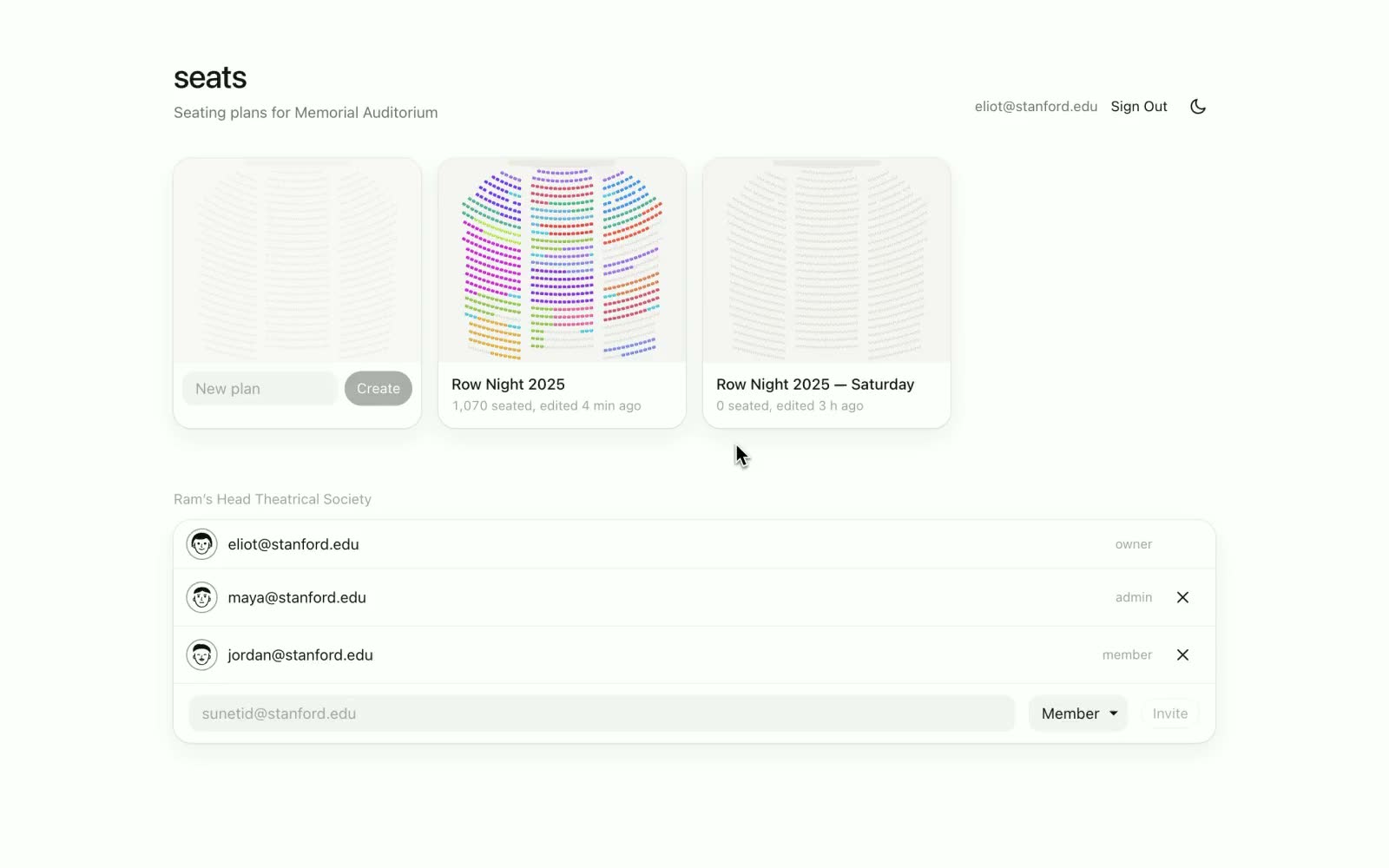
The layout of Seats is centered around Memorial Auditorium. This was a deliberate decision: most users are familiar with how MemAud is structured, and should feel at home with its rows and aisles. When the user opens a project, the seating layout seamlessly transitions to fill the screen. Because the seating layout is driven by WebGL, we can afford to render this layout multiple times without performance losses. This also makes Seats accessible to students who may not have the most powerful computer.
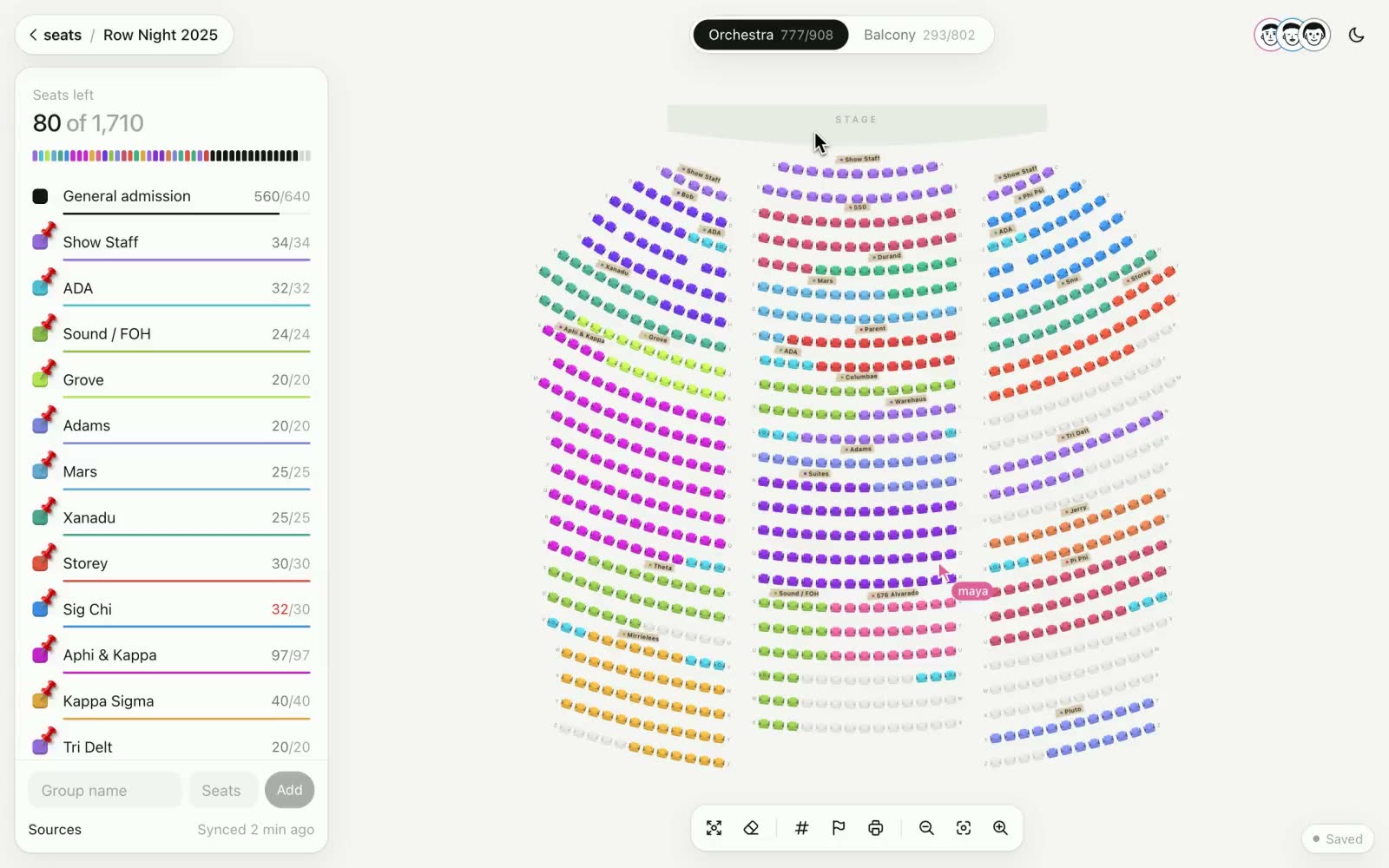
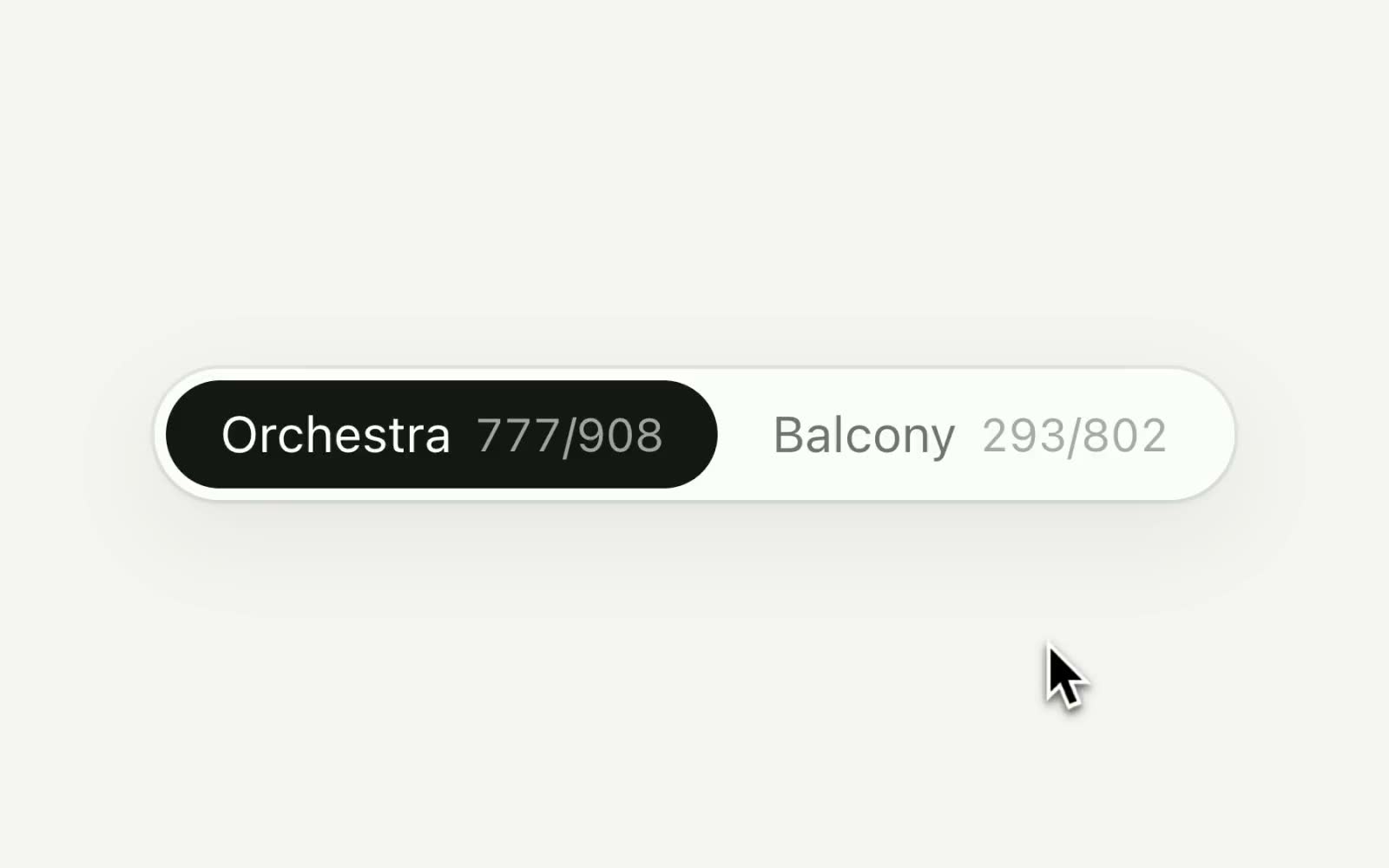
Because MemAud features orchestra and balcony levels, we also wanted to make the transition between them feel seamless. Seats is collaborative, so it was important to us that the balcony felt like a workspace independent of the orchestra: users who are working in one area are invisible to those working in the other.
Details
While Seats features some large scale animations, most of the design choices are in smaller details that make it delightful to use.
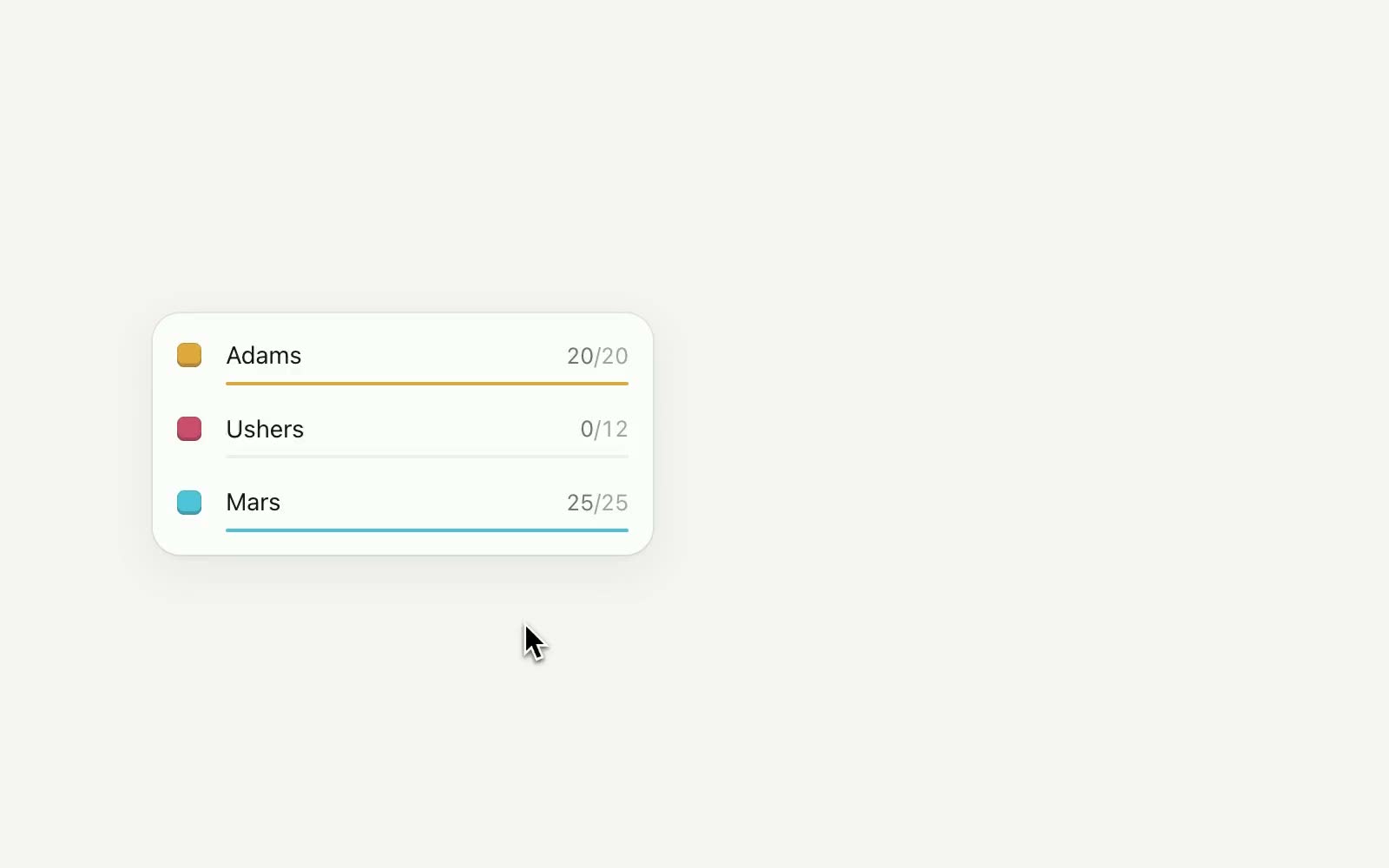
Interaction with Seats is heavily based on dragging around groups, so it was important to us that these groups felt like real objects. For example, as an object flies across the screen, its motion is blurred, giving the interface a sense of physical presence.
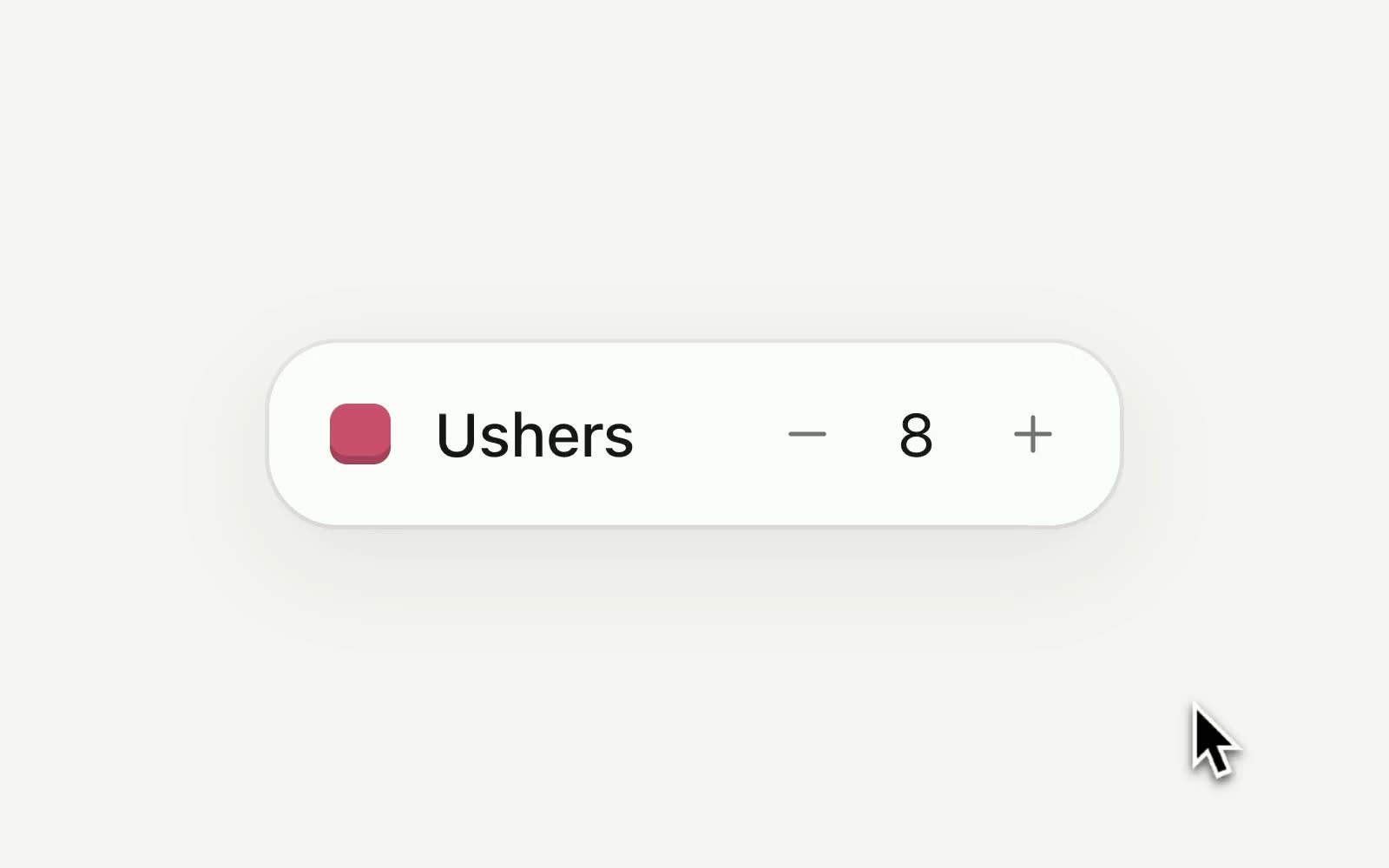
In Seats, data changes constantly as users rearrange and reallocate different groups. As numbers change, they blur with motion instead of harshly ticking in place. For the user, Seats should make the stress of show-planning disappear, so it was important that the software projects a sense of effortlessness as decisions are made.
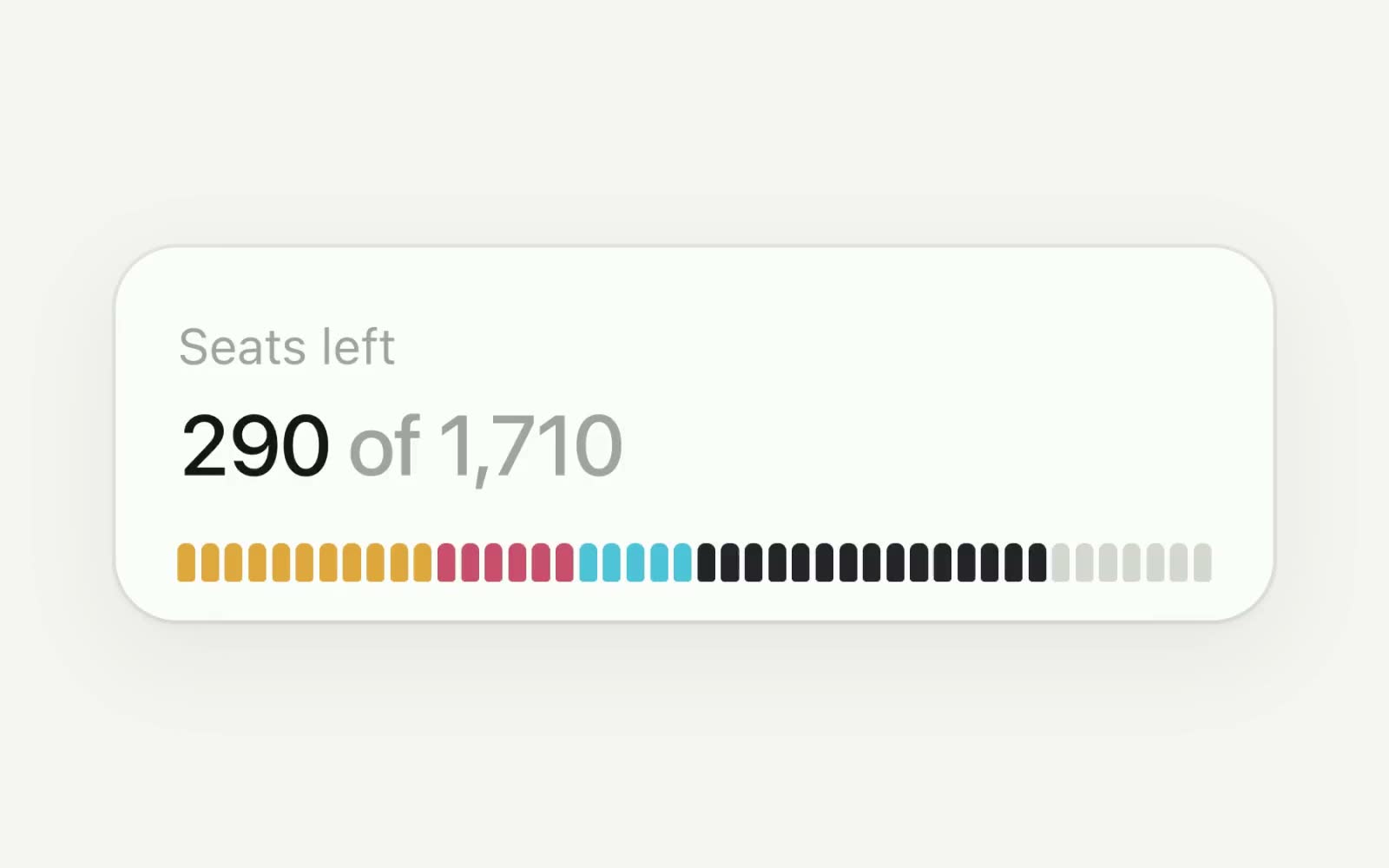
The "house bar" helps producers quickly get a sense of how a night is doing. It was important to us that this element was large and easy to find: often, producers just want to make sure they're not overselling or underselling a show. The gauge also helps us understand our crowd on a given night: are we selling more group tickets, or GA? For Gaieties, a show with lots of crowd interaction, it's important that our cast understand the makeup of the audience before they step on our stage.
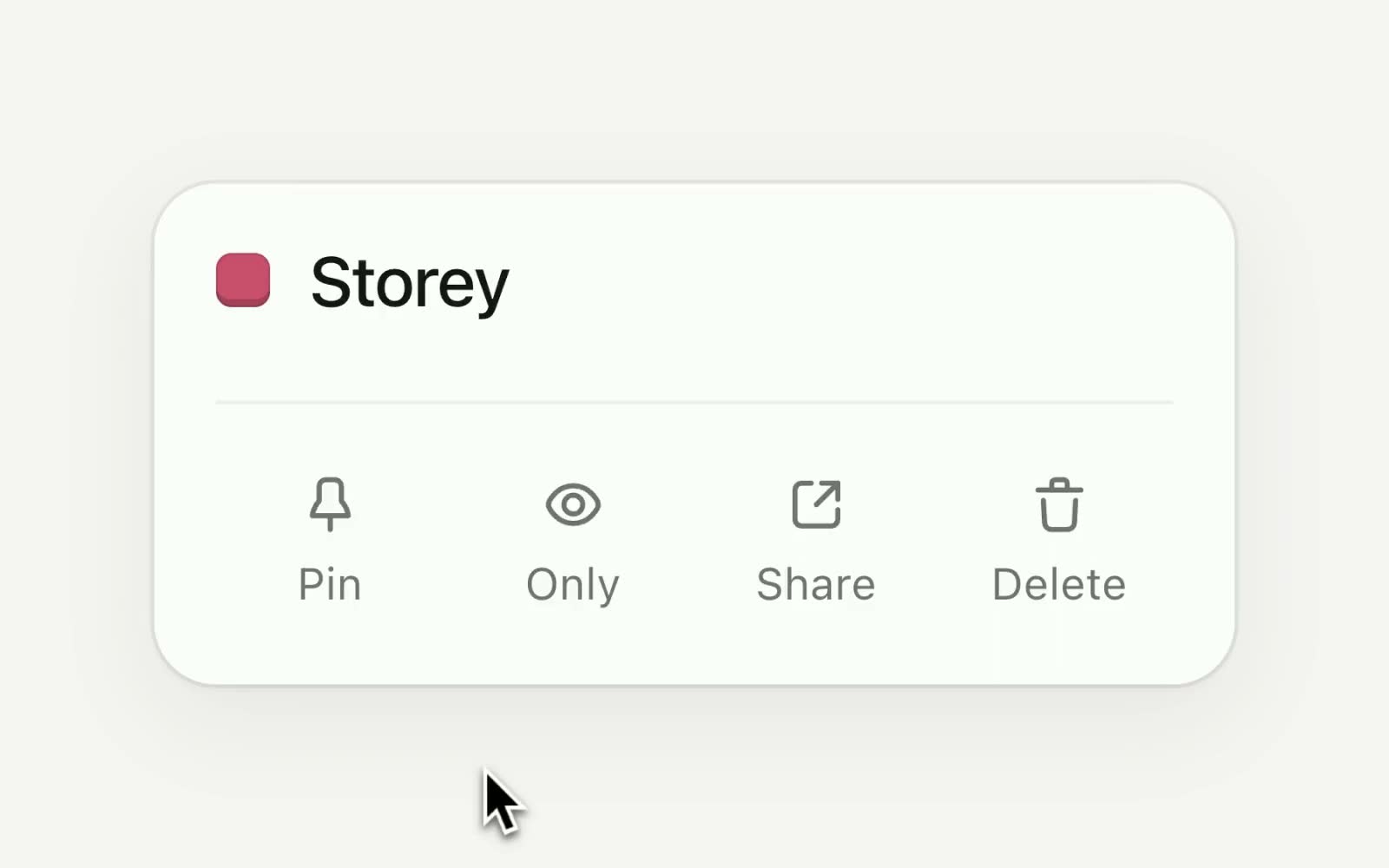
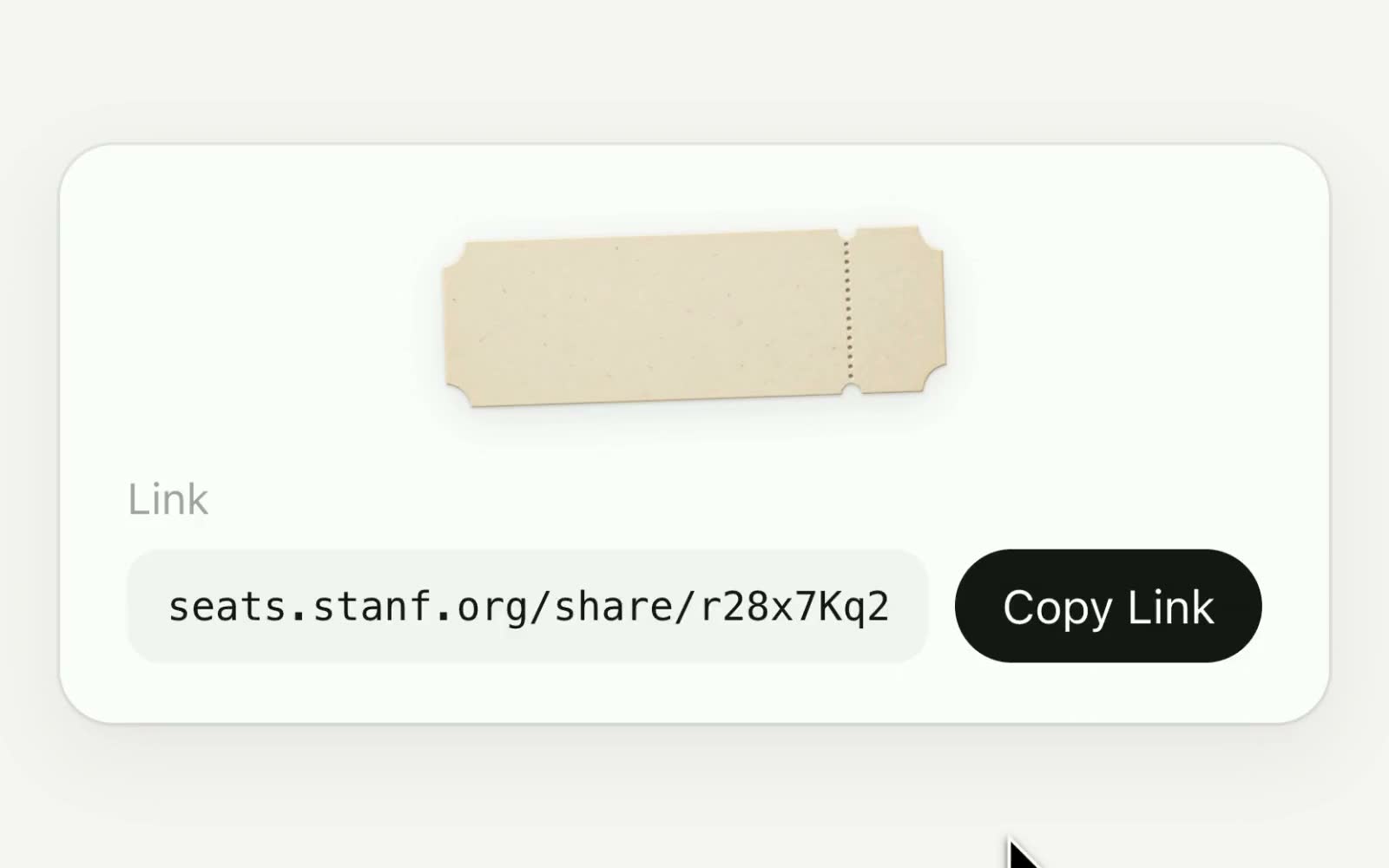
Of course, there are some other, smaller interactions as well. We try to use real objects whenever possible to convey meaning. A "pinned" group receives a physical pin, fixing it in place. Sharing a ticket link tears off the stub of the ticket above. These smaller details are important insofar as they give Seats a "crafted" feel. Artistic professionals deserve artistic software.
The chairs
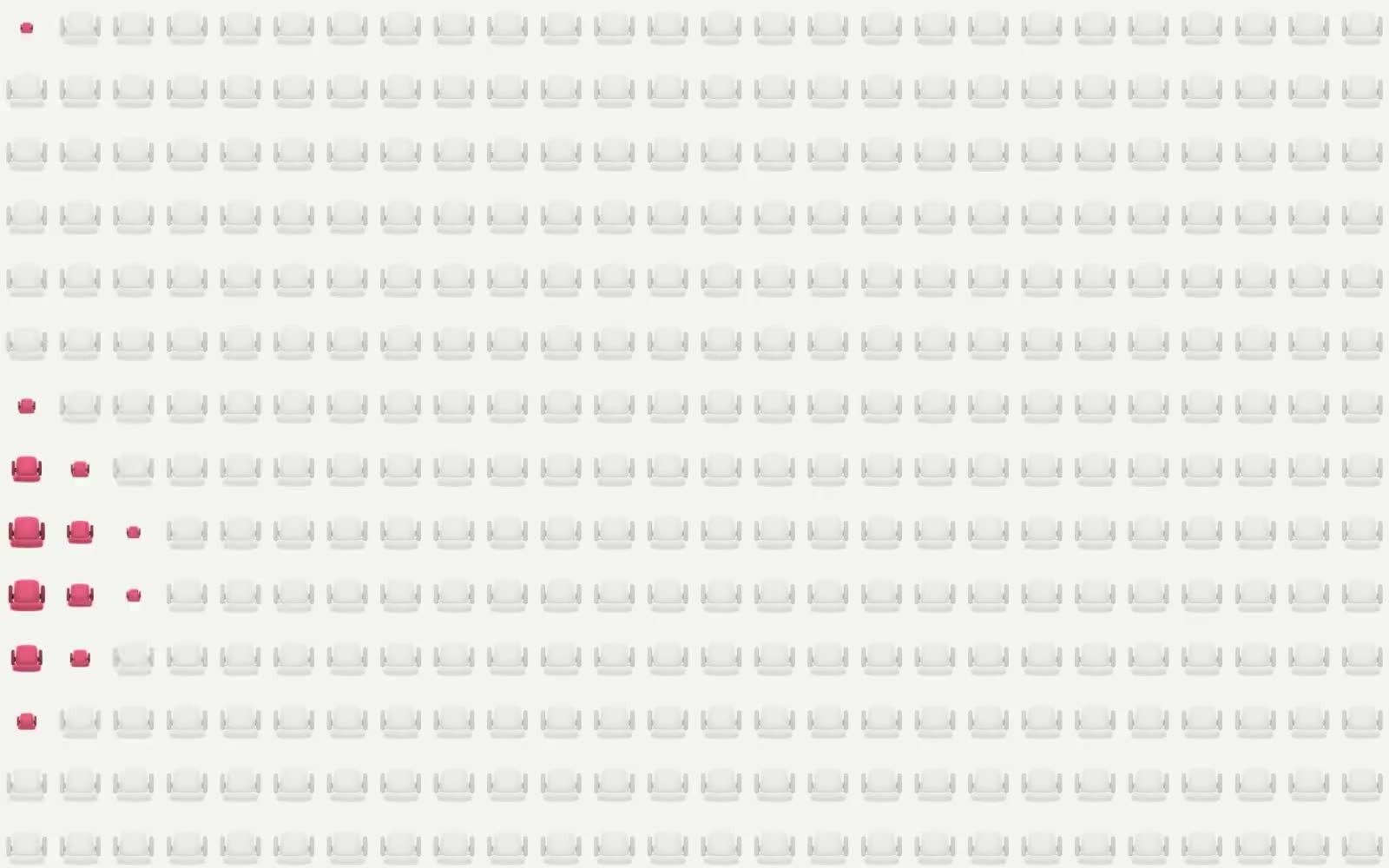
My favorite abstraction in Seats, though, is the chairs. Theaters like MemAud are masses of seats, especially when looked at from above, and so we wanted to bring that into the software while still keeping it playful. The result is our small chair model (designed to look realistic while kind of cartoonish, almost emoji-like) which we can color and animate for each action the user takes.
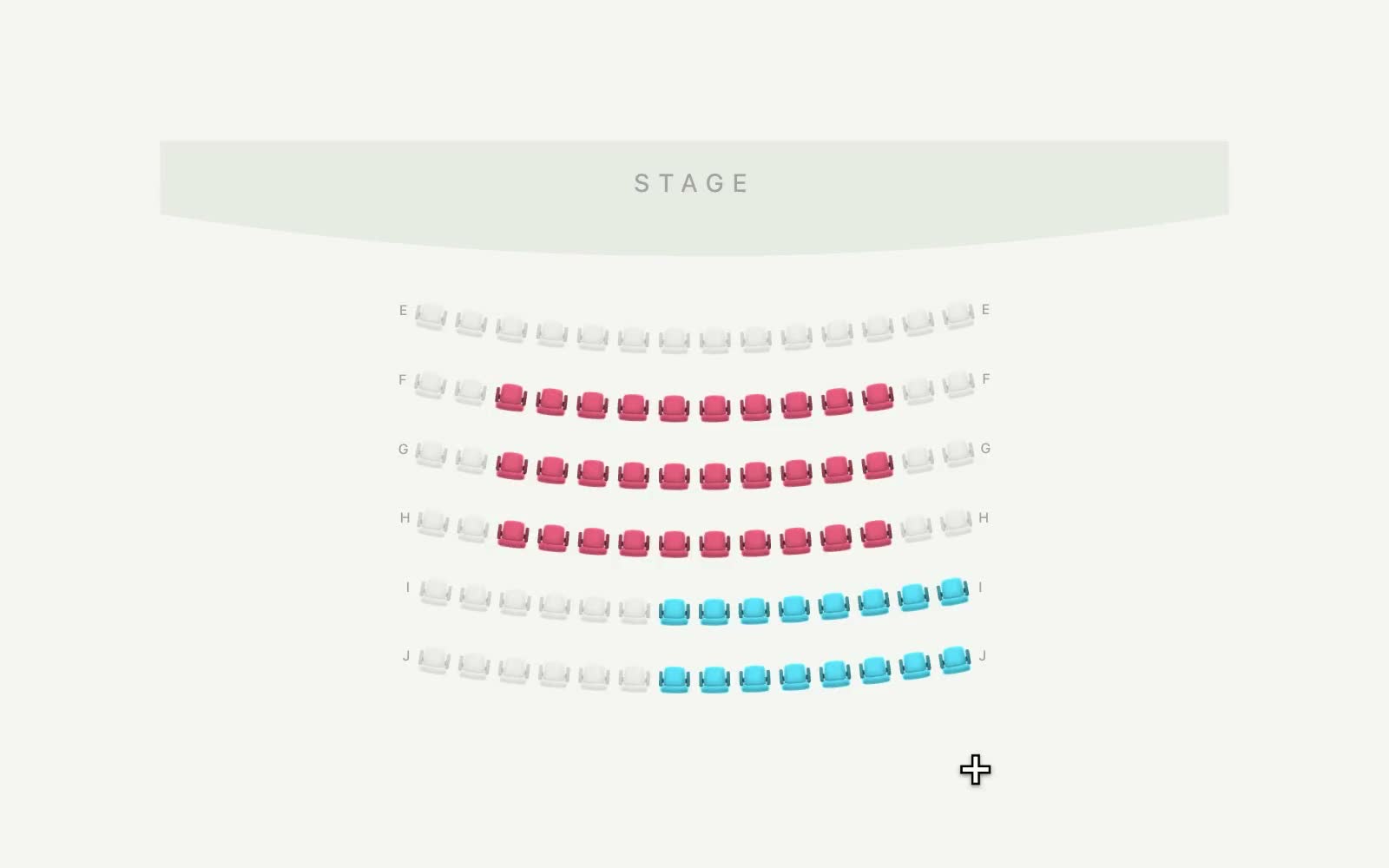
For example, when the user adds a group to the seating layout, the seats appear in a ripple from where they are placed. When they are deleted, the opposite occurs.
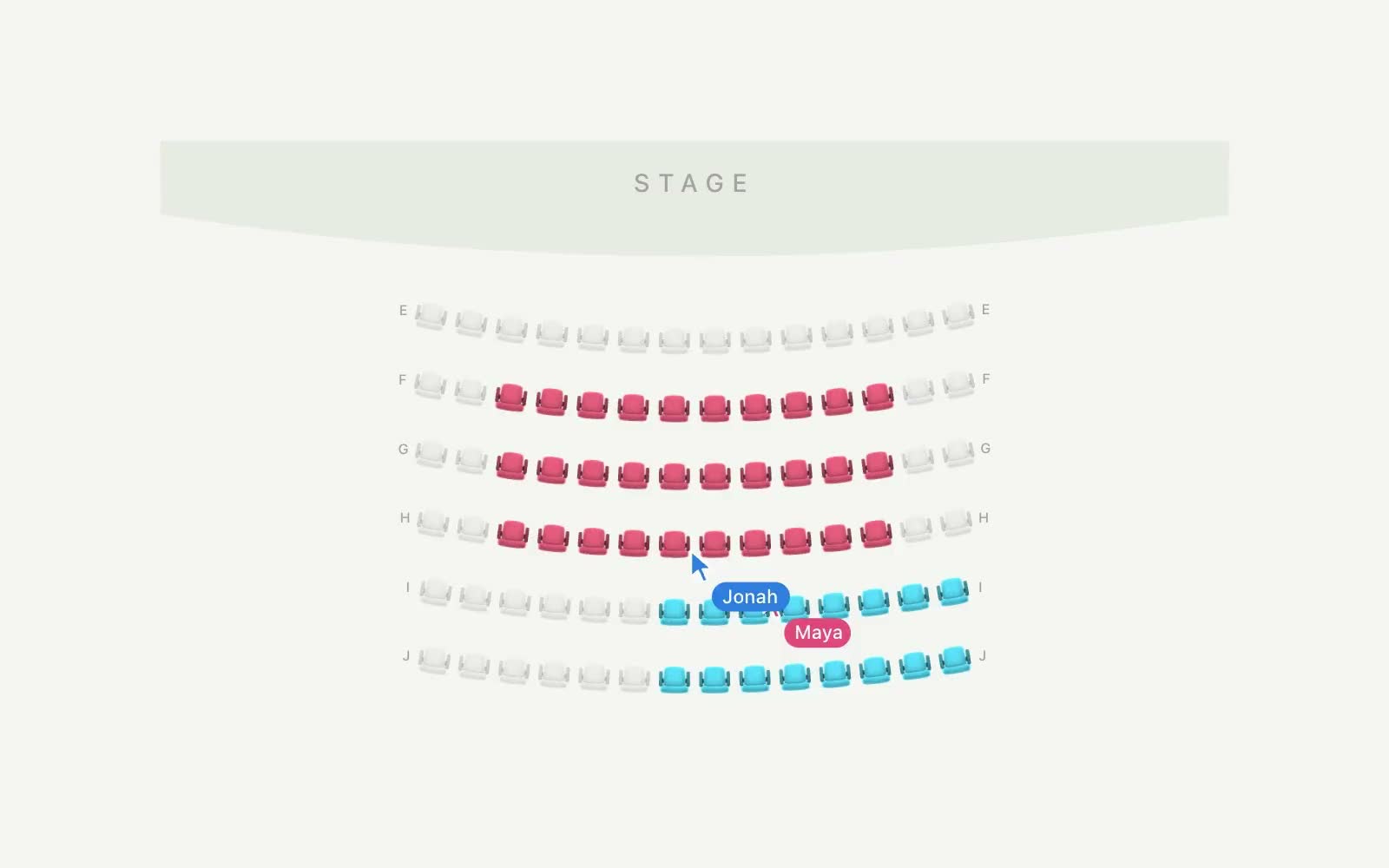
And of course, Seats is interactive. As users rearrange groups together, the animations play out for everyone, subtly notifying users when changes are being made.
Signs
While Seats makes planning easier for producers, we also wanted to make it easier for those setting up each night. For large groups, Gaieties traditionally hangs signs on seats to assist groups in finding their seats. Signs on either end of a reserved section demarcate which seats are available and which are reserved.
In the past, producers manually created PDFs with signs for each section. This took hours. Hanging them was equally nightmarish: usually referencing a spreadsheet, we would walk the aisles and manually find each seat. When signs naturally ended up in the wrong place, or pointed the wrong way, it was chaos (especially when trying to seat 1,700 other people).
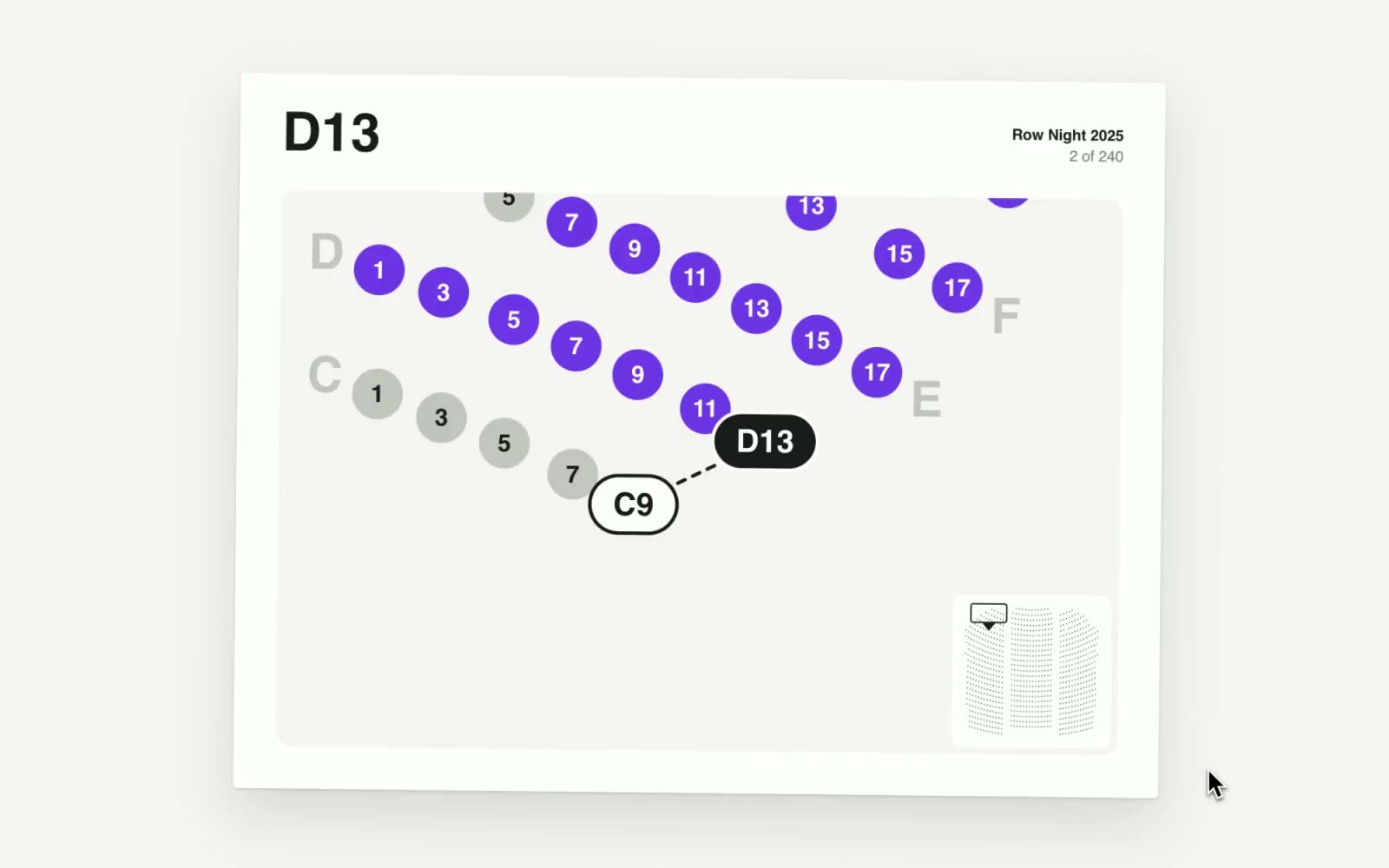
Seats automates this entire process: using a pathfinding algorithm, it generates the optimal route for sign placement and also creates the signs. On the back of each sign is a guide to its associated seats, with the placement of previous signs to orient users. The stack is printed map-side-up, making it incredibly easy for our staff to find their way to the next location.
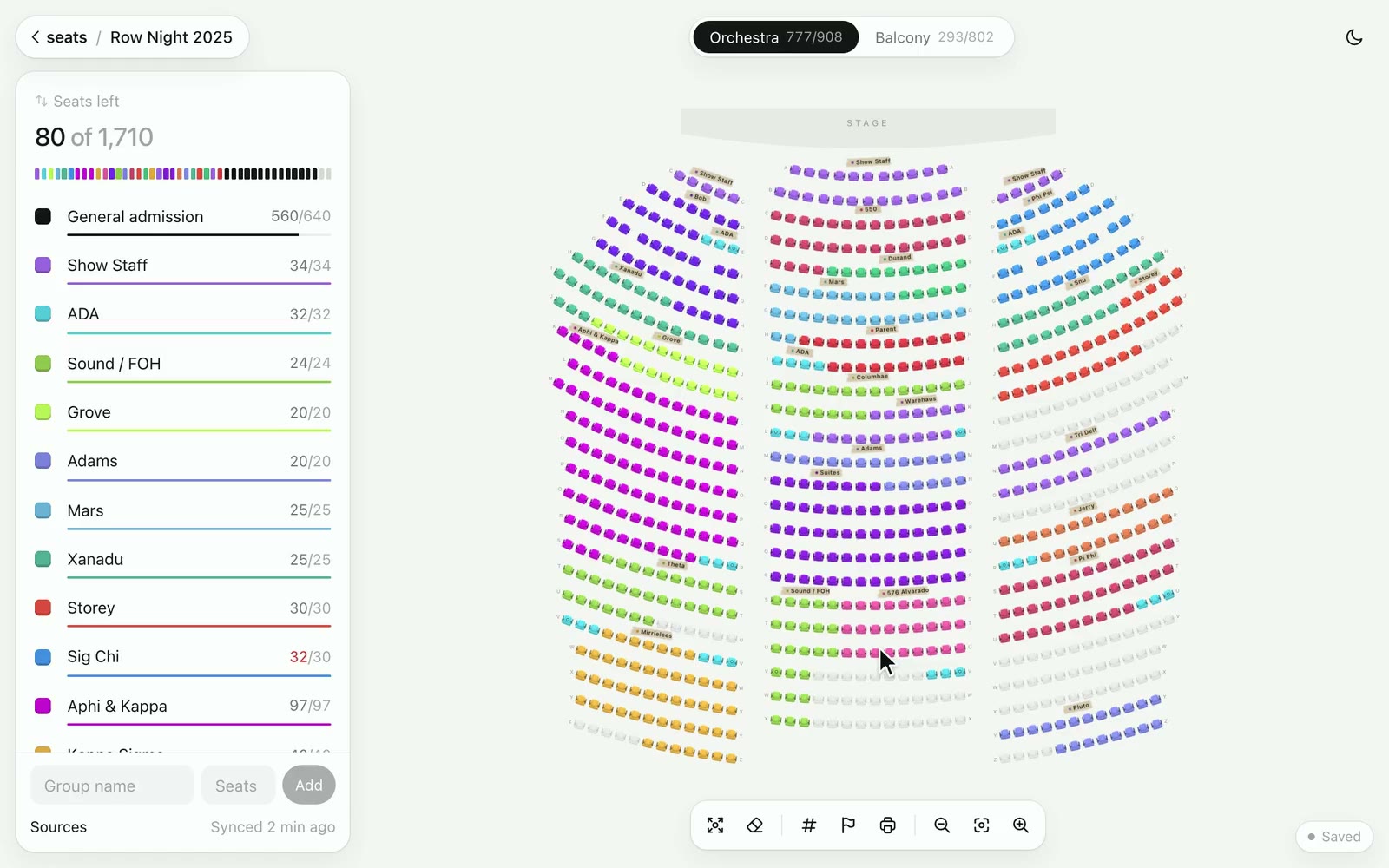
But of course, it would be easier if groups could know their seats beforehand. In the past, we sent a seating map to groups ahead of time, which prevented us from making last-second changes. Seats makes it easy to share a link with a group days before the show that updates automatically as the inevitable edits are made.
This is just a small portion of the larger design and development process for Seats. The software was a joy to build, and is a joy to use. While it was built for one show and one theater, I am hoping to bring Seats to more shows in MemAud, and eventually, more theaters at Stanford. My hope is that Seats can save them time (and lots of money) like it has for us.